
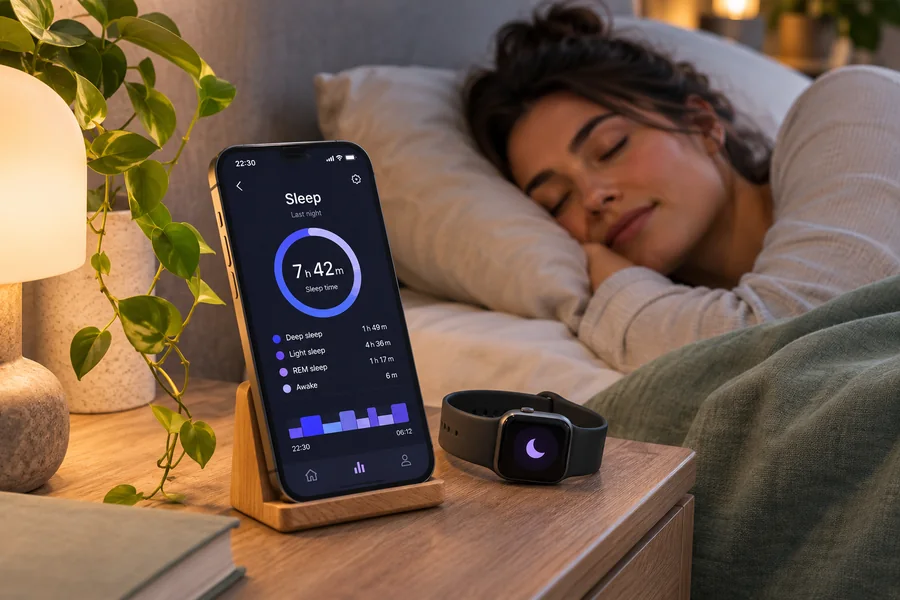
The best sleep-tracking approach depends on what you want to learn. A diary may answer a timing question without recording your bedroom. More graphs do not necessarily provide a more accurate explanation of why you feel tired.
For timing, begin with a diary
Write approximate sleep and wake times, naps and how you feel during the day. A simple note or calendar can reveal a changing schedule. This is often a useful baseline before deciding whether a paid app adds anything you need.
For phone-only tracking, check the method
Sleep Cycle describes its smart alarm approach. Treat its stage and wake-window descriptions as publisher claims, not our hands-on validation. Check microphone use, recording storage, subscription terms and whether a partner or pet may affect the signal.
For wearable data, check compatibility
Google explains its sleep tracking features and compatible devices. A wearable adds sensor information but still estimates sleep. Verify the current features for your exact device and region before paying for a subscription.
Choose a useful output
Ask whether you can export a simple record and turn off features that make you anxious. If your aim is an alarm rather than tracking, our alarm app guide compares a different set of needs. Avoid buying a tracker solely to chase a higher score.
Keep symptoms above the dashboard
Repeated gasping, persistent insomnia or dangerous daytime sleepiness needs assessment even when an app says the night was good. Consumer estimates cannot replace a diagnostic sleep study. Stop tracking for a while if it adds distress without helping you make decisions.
Decide what you need to record
A simple bedtime and wake-time diary may answer a schedule question. A tracker app can add estimates of sleep periods, sounds or trends, but each feature has limits. Check whether the app needs a phone, watch, microphone or subscription. If you want an export for a clinician, confirm that the data can be shared in a useful format. More graphs are not automatically more accurate.
Compare the measurement method
A phone microphone, accelerometer and watch sensor observe different signals. None directly measures every sleep stage in the way a clinical sleep study does. Check the developer's explanation of how the app works and what happens if the device is not worn or is charging. Use the same setup over time if comparing your own patterns. An app may mistake quiet wakefulness for sleep or miss a brief awakening.
Review data and health claims
Sleep recordings can contain private household sounds. Read the app's retention, cloud-sharing and deletion terms before enabling a microphone. A consumer score cannot diagnose sleep apnea, insomnia or the cause of daytime sleepiness. CDC sleep guidance emphasizes both duration and quality. If symptoms persist, share observations with a clinician rather than purchasing another score.
Common questions
A little more clarity.
Which app is most accurate for everyone?
There is no universal winner established by this guide. Device, version, population and measured outcome matter.
Do I need to record bedroom audio?
No. A manual diary can answer many schedule questions without audio recording.
Is a paid app more accurate?
Price alone does not establish accuracy. Compare method, features and limitations.
Can the app diagnose sleep apnea?
No. Seek clinical evaluation for concerning breathing or daytime symptoms.
Will it work without a watch?
Some use a phone, but check the exact app's requirements and method.
What happens to recordings?
Review storage, sharing, retention and deletion in the developer's current policy.
How do I avoid giving an app more data than it needs?
Choose the single feature you intend to use, then review each permission during setup. An app that only logs bedtime may not need a microphone, location or broad health-record access. Read whether recordings or summaries remain on the device, are uploaded, can be shared and can be deleted. Check the developer's current privacy policy and subscription terms, including what happens after a trial. Turn off features you do not use and review permissions later in the phone's settings. If you are tracking a medical concern, remember that an app can organize observations but does not replace assessment by a qualified clinician.